Mastering Minecraft Pixel Art Design
In the vast and creative world of Minecraft, pixel art design has emerged as a captivating art form that transforms the game's blocky, 8-bit graphics into intricate and expressive visuals. Whether you're a seasoned graphics designer or a Minecraft enthusiast, mastering pixel design in this sandbox game can unlock new dimensions of creativity and personalization.
At its core, Minecraft's pixel design revolves around manipulating the game's block textures and colors to create visually appealing elements. This process involves a deep understanding of pixel manipulation techniques, color theory, and a keen eye for detail - qualities that any aspiring Minecraft pixel artist should cultivate.
The Art of Minecraft Pixel Design
Minecraft's pixel design is fundamentally built upon pixel manipulation, or the process of rearranging or editing individual pixels to create new visuals. This technique is not unique to Minecraft, but its application in the game has given rise to a unique form of digital art that is both challenging and rewarding.


To begin your Minecraft pixel design journey, you must first familiarize yourself with pixel manipulation tools. The most common tools include Microsoft Paint, GIMP, and Photoshop, each offering a range of features to help you edit pixels efficiently. Knowing how to use these tools effectively is the first step in creating stunning Minecraft pixel art.
Microsoft Paint: A Beginner's Tool
As one of the most accessible pixel manipulation tools, Microsoft Paint is an excellent starting point for new Minecraft pixel artists. It offers a clean, user-friendly interface and essential features like zooming, selecting, and paintbrush options, making it perfect for basic pixel editing tasks.

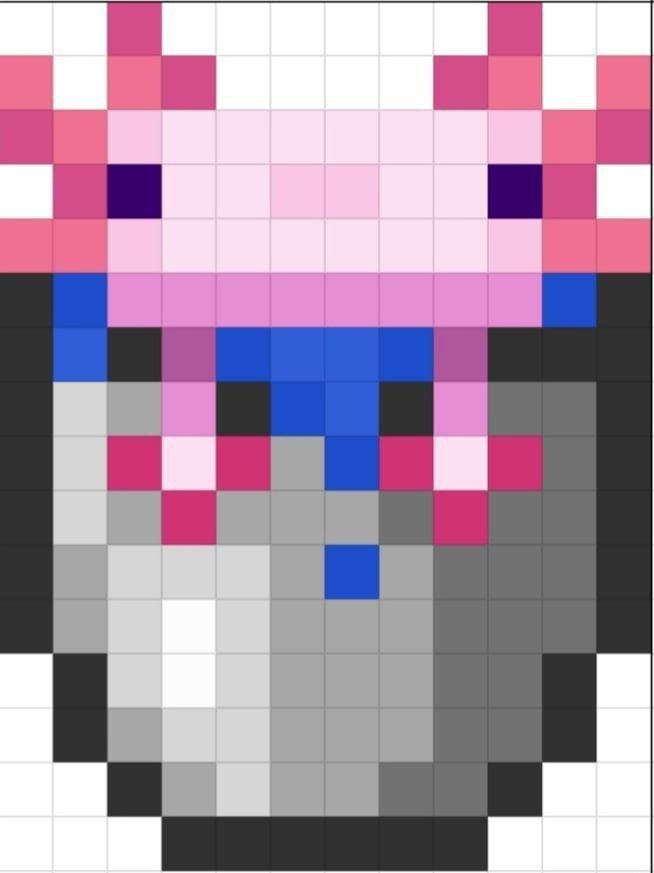

However, it's essential to note that Microsoft Paint has limited features compared to other software. As your skills grow, consider expanding your toolkit to include more advanced software like GIMP or Photoshop for more complex pixel manipulations.
GIMP and Photoshop: Advanced Pixel Manipulation
GIMP and Photoshop are powerhouses in the pixel manipulation world, offering a wealth of features and tools to help you create intricate Minecraft pixel art. Both programs allow you to work with layers, filters, and advanced selection tools, making them ideal for complex designs and detailed textures.
However, both programs have steeper learning curves than Microsoft Paint. Spending time learning their features and interface will enable you to unlock their full potential and create stunning, high-quality Minecraft pixel art.


Color Theory in Minecraft Pixel Design
Color theory is the systematic study of colors, their harmonies, and their interactions. Understanding and applying color theory principles is crucial in creating visually appealing Minecraft pixel art. By learning how colors complement, contrast, and blend, you can design vibrant and harmonious game textures that bring your creations to life.
In Minecraft, the 16-bit color palette can seem restrictive, but mastering color combinations within this limitation can push the boundaries of what's possible in the game. Experiment with different color schemes, like complementary, analogous, and monochromatic, to create captivating visuals thatimovc your Minecraft creations.
Complementary Colors: High Contrast and Drama
Complementary colors are those directly opposite each other on the color wheel, such as red and green or blue and orange. Using complementary colors in your Minecraft pixel art can create striking, high-contrast visuals that draw the eye and impart a sense of drama or urgency to your designs. Just be mindful of overuse, as too much contrast can lead to visual fatigue.

For best results, use complementary colors to create distinct areas or elements in your design, rather than mixing them together. This approach can help maintain readability and avoid eyestrain, all while harnessing the powerful contrast these hues provide.
Analogous Colors: Smooth Transitions and Harmony
Analogous colors are adjacent to each other on the color wheel, such as blue-green, green, and yellow-green. Using analogous colors in your Minecraft pixel art can create a sense of harmony and coherence, as these hues blend smoothly together,creating a cohesive and calming visual experience.
Analogous color schemes are perfect for designing large, flat areas or textures in Minecraft, as they avoid the stark contrasts that can occur when using complementary colors. Experiment with different shades and tints within your chosen analogous range to create depth and variation in your pixel art.
Monochromatic Colors: Modifying hues for variety and depth
Monochromatic colors are all derived from a single hue, created by adding white, black, or gray to the original color. In Minecraft pixel design, using monochromatic color schemes can help create a unified, cohesive look that emphasizes form and texture over color.
Monochromatic color schemes are perfect for designing complex patterns or textures, as the subtle variations in hue create depth and visual interest without drawing the eye away from the design's overall shape and structure. To create a monochromatic palette, start with your chosen hue and experiment with different tints, shades, and tones to establish a range of complementary colors.
As you delve deeper into Minecraft pixel design, continually seek inspiration and learn from the vast community of pixel artists both within and beyond the Minecraft world. Attend pixel art workshops, join online forums, and engage with fellow artists to hone your skills and stay up-to-date with the latest trends and techniques. The journey of a Minecraft pixel artist is one of continuous learning and growth, and the potential for creative expression is limitless.
Related Articles

Master Minecraft Skin Pixel Layout: Design Your Unique Look
Diving into the creative world of Minecraft, have you ever wondered how your character's skin is displayed, down to the very pixels? Understanding the...

Mastering Instructional Design: Crafting Engaging Learning Experiences
Have you ever encountered an e-learning module or a tutorial that left you feeling inspired and equipped with new skills? Chances are, that was the result of...

Mastering Minecraft: Unveiling the Black Pearl Tutorial
Dive into the fascinating world of Minecraft and discover the power of the Black Pearl. This magical item, first introduced in the Village & Pillage update...

Big Pixel Circles: Mastering Retro Gaming Aesthetics
In the ever-evolving digital landscape, one visual element has emerged as a unique and captivating trend: big pixel circles, also known as retro or 8-bit...

Mastering Instructional Design: A Comprehensive Guide for Aspiring Teer
Instructional Designers, also known as Teer, play a vital role in the realm of eLearning by creating engaging and effective training materials. They are...

Transform Pixel Art into Minecraft Blocks
Ever found yourself admiring the intricate details of pixel art, wishing you could bring that delightful retro charm into the blocky world of Minecraft? You're...